Padel Video Analysis
Padel video analysis starts with good footage. At a NetPlay smart court that part is solved: one fixed camera on the court's own frame records your session from the same full-court angle every time — and the AI turns it into highlight clips, serve numbers, court maps and a game review while you are still packing your bag.
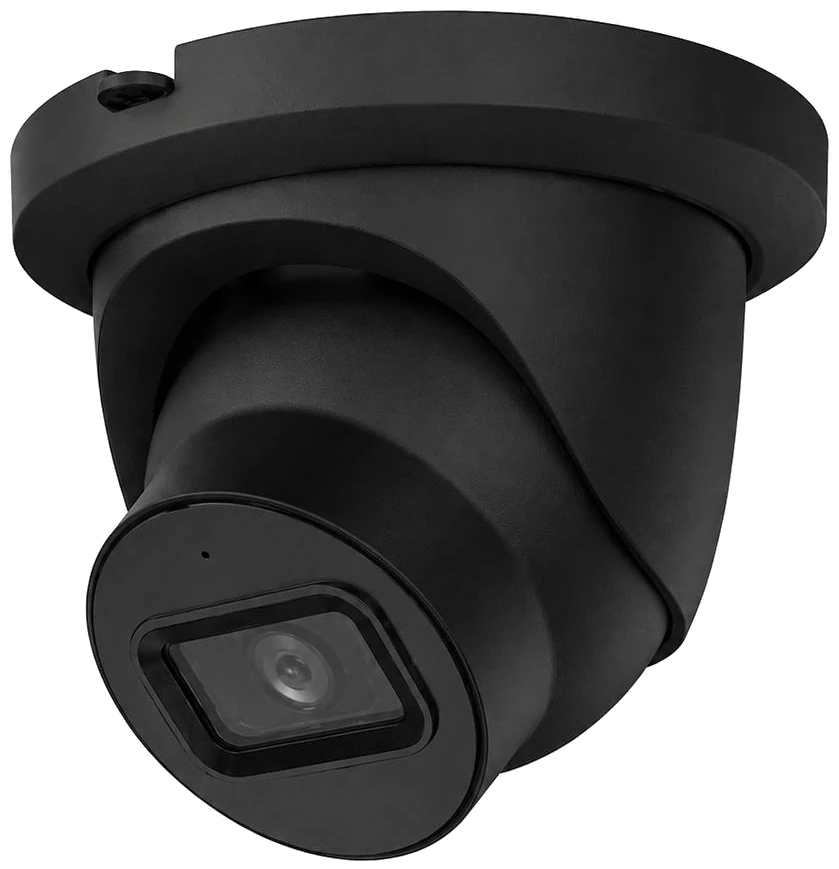
- 1 The camera Centred on top of the back glass.
- 2 Its view The whole court, net to far wall.
- 3 The QR plate On the glass by the entrance — scan it to start.
What the camera sees.
The camera looks down the length of the court from above the back glass. That one view is what every clip, serve count and court map is made from — which is why it never moves.
The camera, in four lines.
How your match gets recorded.
No phone, no tripod, nothing to press.
Scan and pay
Scan the QR plate on the glass. Pay €5, use your membership, or split it with the others. Recording starts once the session is paid.
Play
The camera records only the time you chose — every rally, from the same angle. You'll forget it's there.
Watch it back
Your private match page fills in by itself: the full recording, highlight clips, serves, court maps and reviews.
Your match, ready to watch.
The full recording opens on your private match page — with the controls you actually need.
Skips the pauses between points, so you only watch the play.
The whole session, start to finish, in camera quality with no overlay.
Slow a rally down or speed through it.
Adds five seconds to a highlight clip, or re-cut it.
Send one clip or the whole match to whoever you like.
Write a first name on each player — it goes on every clip, stat and court map.
What is recorded, and for how long.
- The camera records only during a paid session, and only the time you choose.
- Video only — no court audio. Everyone on court knows the camera is there.
- Your match page is a private link. Clips go further only when a player shares them.
- Videos are kept for a limited number of days, then deleted. Names, numbers and reviews stay.
- Only the NetPlay court camera is analysed — there is no uploading of your own videos.
- Details are in the Privacy Policy.
Padel video analysis, answered.
01 Do I need to film anything?
02 Can I upload a video I filmed myself?
03 Where is the camera and what does it record?
04 Do I get the full video?
05 Who can see my footage?
Your next match, on your phone.
Scan the courtside QR at K9 Padel Court 1 in Riga, play, and your match pack lands on your phone about ten minutes after the last point.