Padel highlights, found by the AI.
The AI scans a doubles match, finds Patrick's smash, rewinds it and cuts a vertical clip with his name on it — ready for his phone.
What happens in the video.
Tap a time to play the video from that moment.
The court camera's view
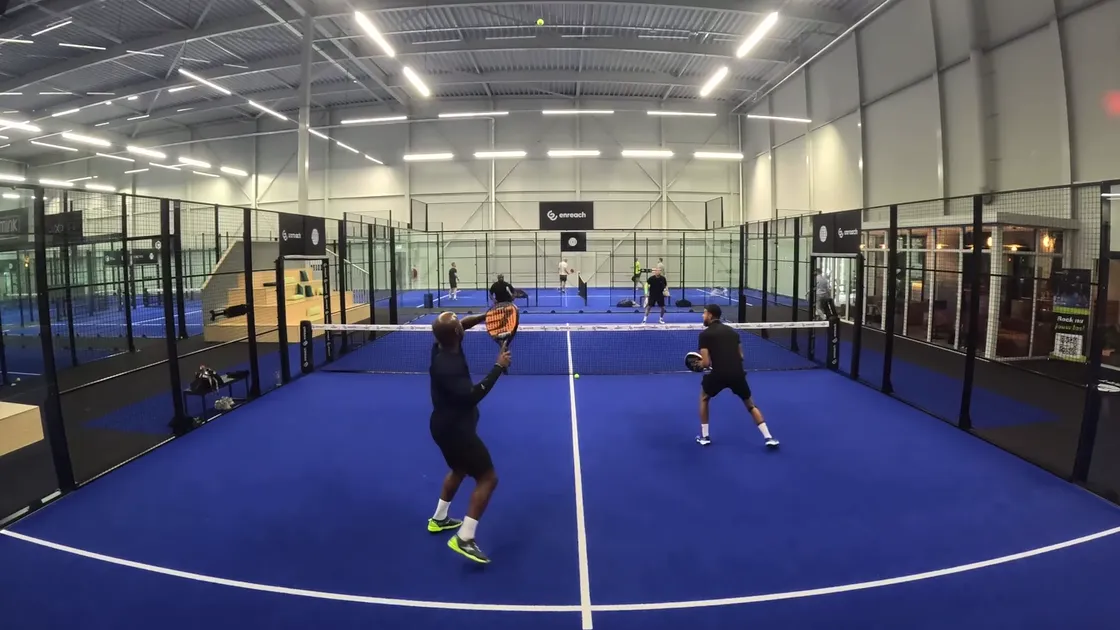
A doubles match on a NetPlay court, filmed by the fixed camera above the back glass.
Scanning the match
The timeline races through the recording while the AI looks for moments worth keeping.
Players tracked
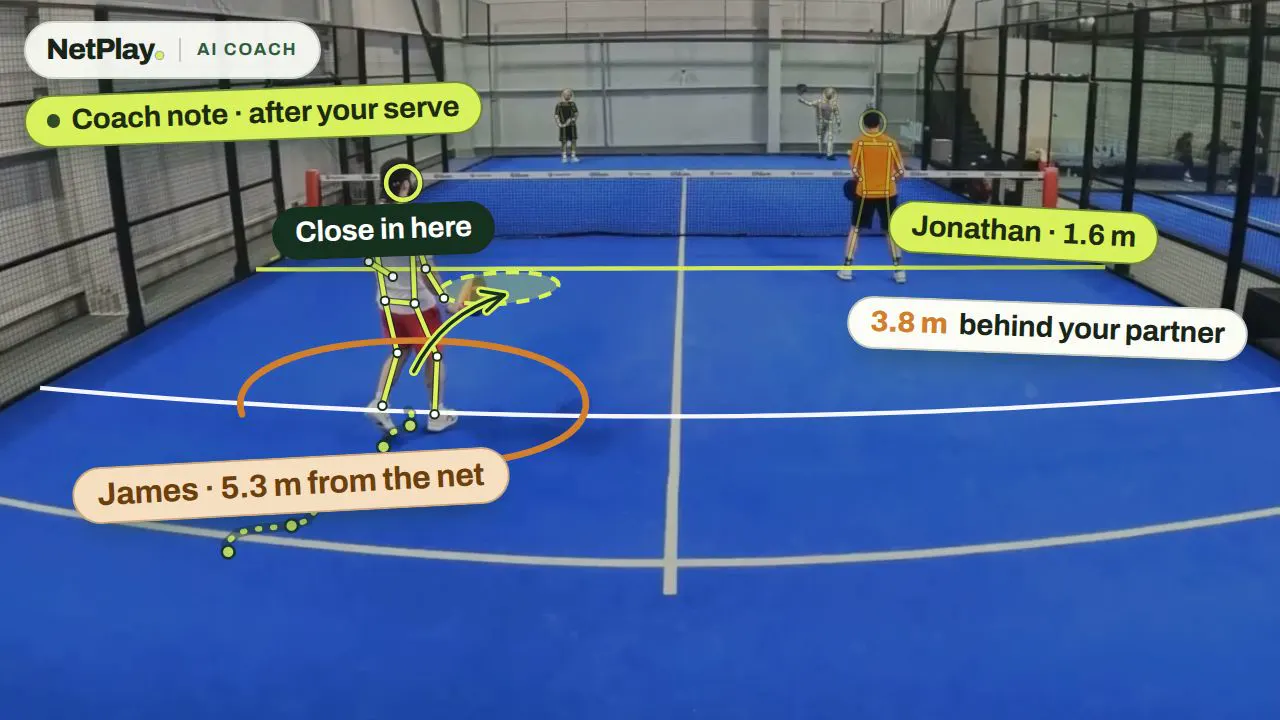
Back at normal speed, the AI follows each player — the lines on their bodies are its tracking — and names them.
Highlight found: a smash
Patrick's overhead is marked on the timeline as a highlight.
Out of the court
The ball ends up out of the court — the point is over, and the clip ends there.
Rewind
The clip goes back to the start of the moment.
Cut for a phone
The moment is cropped to vertical, 9:16 — the shape of a phone screen.
Patrick's highlight
The finished clip, with his name on it, ready to share.
Your highlights, every match.
At a NetPlay court you don't press anything. The camera records your booking, and about ten minutes after the last point the AI has looked through the match for its best moments and cut a clip of each one, with the player's name on it.
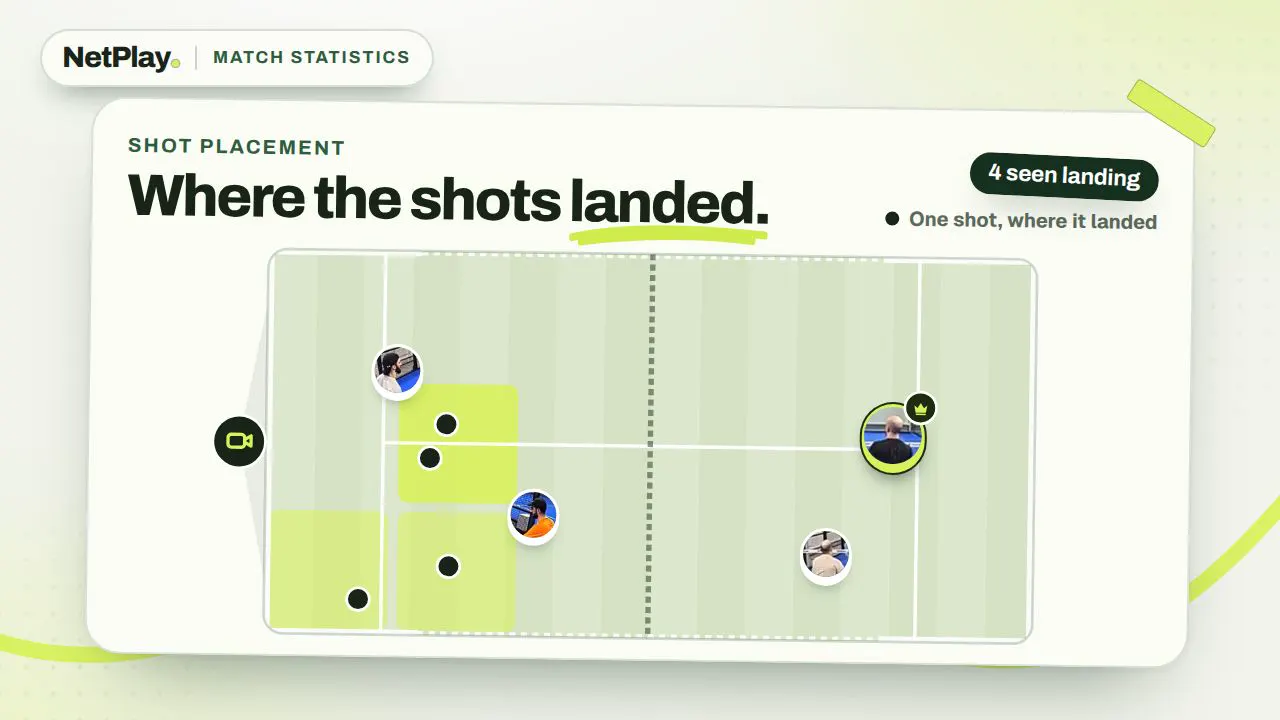
The clips wait on your private match page, next to the full recording, your serve numbers, court maps and the AI game review.
- Highlights of each player's moments
- The player's name on every clip
- Share a clip, save it to your photos, add five seconds or re-cut it
Get your highlights.
Scan the courtside QR at K9 Padel Court 1 in Riga, play, and your clips are on your phone about ten minutes after the last point.